
Smart Learning Portal
Make your first app with AI

Design an idea and build a working app or game with AI in one session. Share it with a link that opens on a phone.
Got a session code?
No session code? Sign in to continue your project where you left off.
Sign in
What you will do in the session
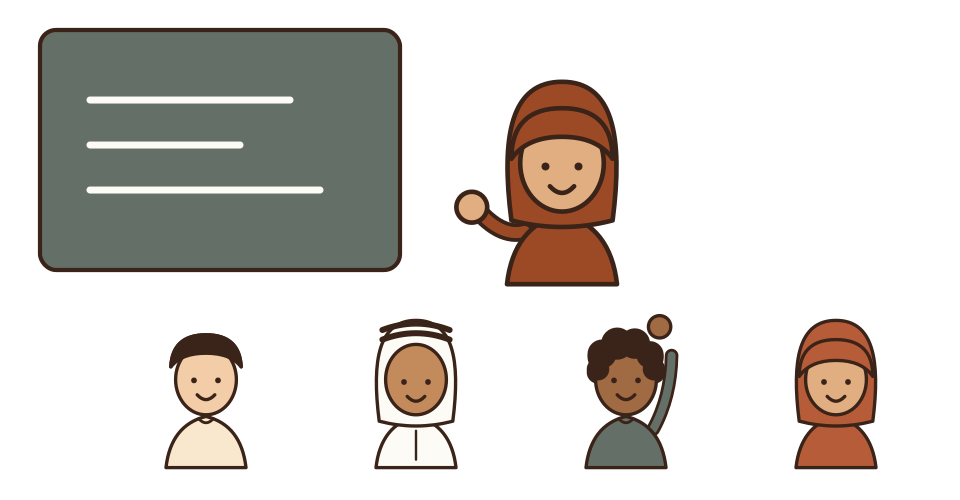
Five highlights in one hour, with your teacher guiding you throughout.
Step 1
Play
Start with a short game where you fly over Riyadh, then build your own app with AI.
Step 2
Discover
Find out quickly what AI can do, and how to use it responsibly.
Step 3
Ask clearly
Learn to write a clear AI prompt, then try it yourself.
Step 4
Build your app
Choose an idea, build an app or game with AI, then test and improve it.
Step 5
Share
Submit your project and get a link for family and friends to try.
Ready for the first step?
Type the session code
Inside the session
Real screens from the students' AI Week journey, as they look on a phone.
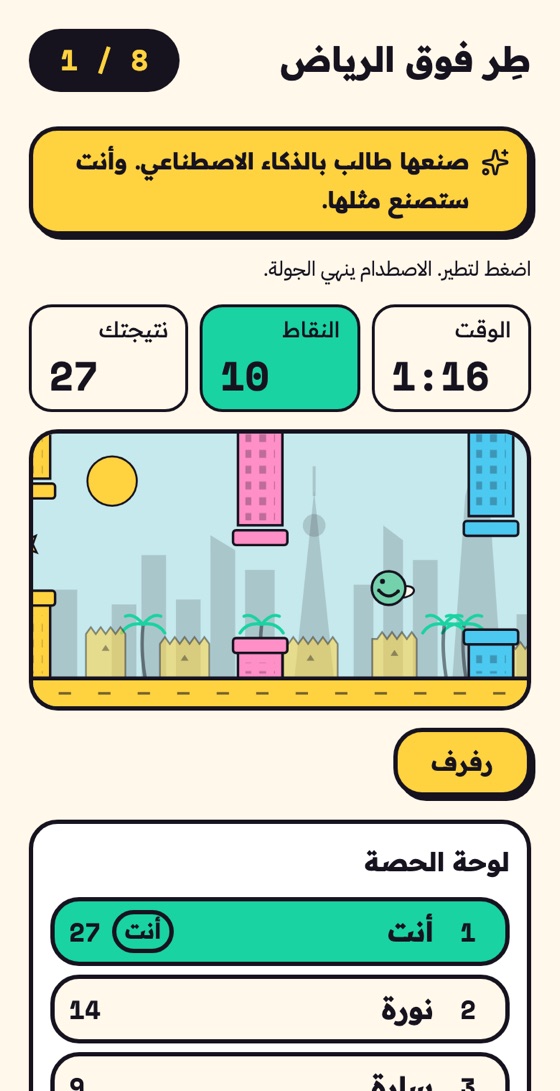
1PlayStudents start with a short game a student made with AI, and see their points on the session board. 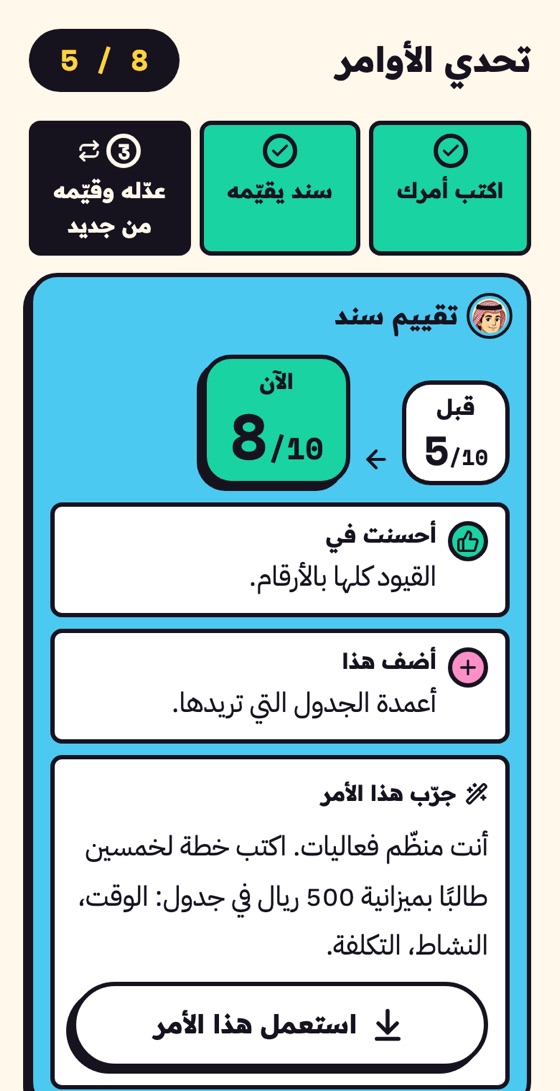
3Ask clearlySanad scores their prompt out of 10, with one thing to add and a hint. 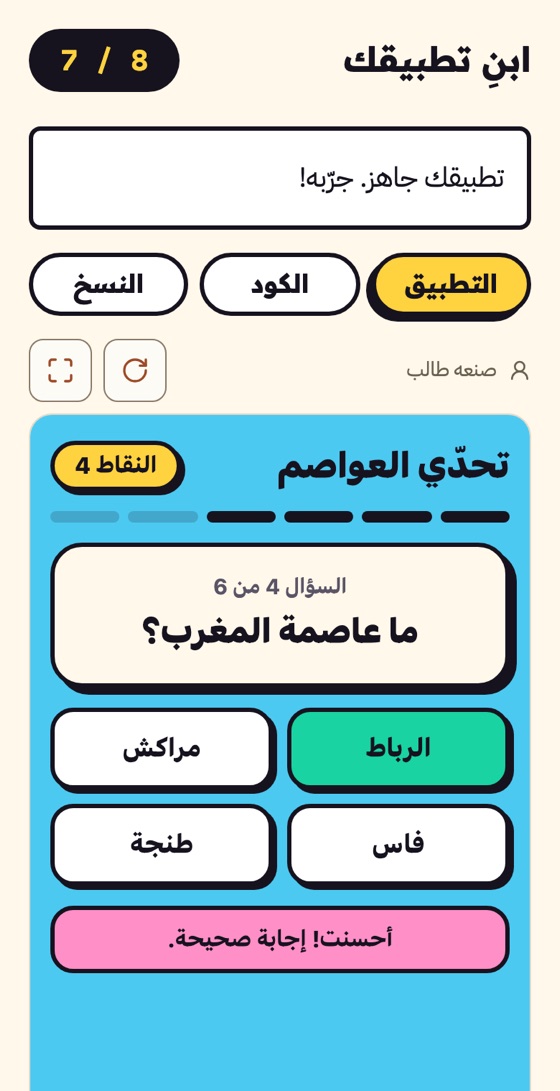
4Build your appThey build their app from their Build Prompt and try it on the same screen. 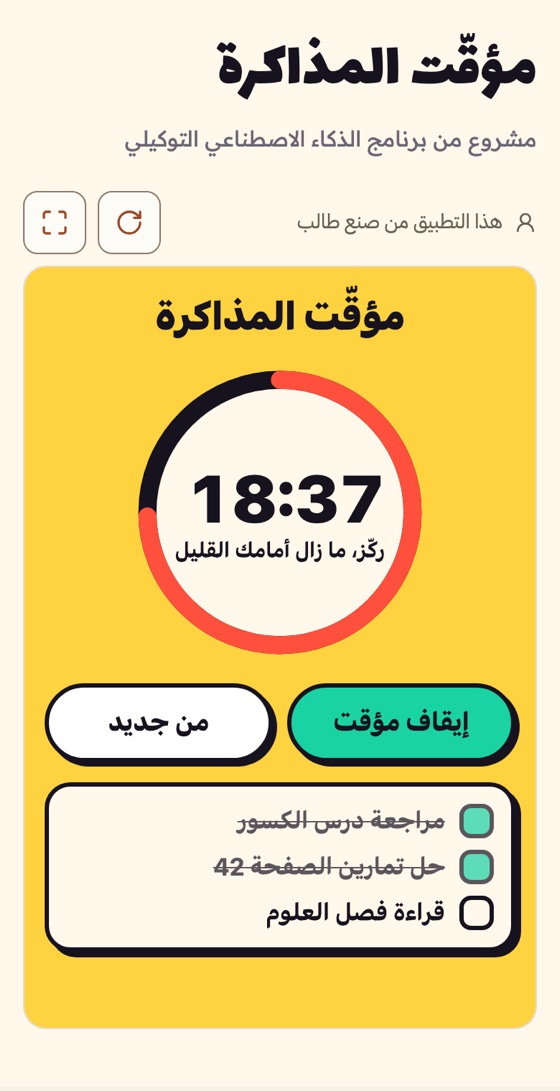
5ShareStudents submit their project so family and friends can try it through its link.
Projects made by students like you
Games, quizzes and small tools built by students in their sessions. Explore them for inspiration.
Browse student projects
What is this platform?
A platform for school students in the Generative AI program. Learn by doing: build something that works and leave the session with your own creation.
- Your project is saved in your account; come back to it any time.
- Works on a phone or a school computer, with nothing to install.